The best AI tools for Google Ads in 2026: top 10, reviewed by a PPC expert
Quick answer: AdPlug is the best AI tool for Google Ads in 2026 if you want Claude, ChatGPT or another AI agent to work on the live account, on demand or on a schedule, across unlimited ad accounts, and show you every change before it runs. If you'd rather have a dedicated PPC platform, Optmyzr suits agencies and Opteo suits smaller accounts, and Google's own AI should do your bidding either way. AdPlug is my product.
I've run Google Ads for B2B companies for 12 years and managed over £100M of ad spend, and I built one of the tools on this list. I scored ten of them on how much of the work they take off your hands while you keep control of the account.




Quick comparison: the 10 best AI tools for Google Ads at a glance
Most lists rank these tools by how much AI they claim to have. I scored them on how much of the Google Ads work they take off your hands, and how much say you keep while they do it. The scores are mine, from the criteria in how I scored them, and the prices come from each vendor's own pricing page.
| Rank | Tool | Editorial score | Best for | Price from (22 Oct 2026) |
|---|---|---|---|---|
| 1 | AdPlug | 9.8/10 | Claude, ChatGPT or any AI agent on the live account, every change previewed | Free with unlimited ad accounts; Pro $29/mo |
| 2 | Google Ads' built-in AI | 8.5/10 | Bidding, matching and creative inside the account | Free |
| 3 | Optmyzr | 8.2/10 | Rules, audits and scheduled checks across many accounts | From $209/mo |
| 4 | Opteo | 8.2/10 | One-click improvements you confirm | From $129/mo |
| 5 | Adalysis | 8.0/10 | Ad testing, audits and budget pacing | From $149/mo |
| 6 | TrueClicks | 7.8/10 | Watching lots of accounts for problems | Free up to $50K spend |
| 7 | Adzooma | 7.5/10 | A free first look at a small account | Free; Silver $69/mo |
| 8 | Claude + Google's MCP server | 6.9/10 | Reading the account in Claude, if someone can host it | Free, plus your Claude plan |
| 9 | AdCreative.ai | 6.9/10 | Image and video creative at volume | From $39/mo |
| 10 |  Google Ads scripts Google Ads scripts | 6.2/10 | Free automation, now that AI writes the code | Free |
AdPlug takes the top spot because it's the only one here that does the work inside the AI you already use, on demand or on a schedule, across every ad account you have (free plan included), and won't change anything until you've seen the change. It's also mine, so the score comes with the usual pinch of salt (bring a large one). Google's own AI is second: it's free and nothing else can bid in the auction, but it loses points for showing you so little of what it's doing.
What is the best AI for Google Ads?
The best AI for Google Ads depends on the job. Let Google's own AI do the bidding, then connect the AI you already use, Claude or ChatGPT, to the account for everything you'd otherwise click through by hand, the weekly checks included. If you'd rather have a dedicated PPC platform with its own rules and dashboards, that's the other route. With one or two accounts, either is plenty.
I love the strategy side of this job and I hate the admin. Exporting data, reformatting it, clicking six levels into the interface for a number that should take ten seconds, and pulling the same report I spent two hours pulling last week. Life's too short. AI has got very good at exactly that list. The platform I manage today isn't the one I started on, back when exact match actually meant exact match, and these days Google's AI runs half the account while the other half is working out what it just did.
Why AI tools for Google Ads matter in 2026
Google keeps taking jobs off your plate whether you asked it to or not. AI Max is on by default in new Search campaigns, Dynamic Search Ads campaigns move onto it from February 2027, Performance Max already decides where the money goes across Google's channels, and Smart Bidding sets every bid.
What's left for the person running the account is everything around the machine. Feeding it the right conversions, excluding the junk, catching the setting nobody noticed, and explaining to the client or the boss why the numbers moved. That's still hours a week per account, and it's exactly the work the tools on this list are for.
There are two ways to get that time back. A PPC platform runs its own set of checks on a schedule, so nothing waits for you to remember. An AI assistant connected to the account answers whatever you ask, runs the checks you'd have run yourself on whatever schedule you give it, and makes the change once you've seen it. Plenty of people end up with both.
Feature-by-feature comparison
✓ means it does it, partial means it does it with limits, and ✗ means it doesn't. For AdPlug, the scheduled checks, ad testing and creative happen in the AI you connect it to, which then makes the change through AdPlug once you've seen the preview. "How changes land" is what happens between the tool deciding something and your live account changing, which is the column I'd read first.
| Tool | Changes the account | How changes land | Scheduled checks | Ad testing | Creative |
|---|---|---|---|---|---|
| AdPlug | ✓ | A preview of each change | ✓ | ✓ | ✓ |
| Google Ads' built-in AI | ✓ | Inside your settings | partial | ✓ | ✓ |
| Optmyzr | ✓ | A person applies each one | ✓ | ✓ | partial |
| Opteo | ✓ | You confirm each one | ✓ | ✓ | partial |
| Adalysis | ✓ | Approved inside Adalysis | ✓ | ✓ | partial |
| TrueClicks | ✓ | You click to apply | ✓ | ✗ | partial |
| Adzooma | ✓ | One click | ✓ | ✗ | partial |
| Claude + Google's MCP server | ✗ | It can't | partial | partial | ✗ |
| AdCreative.ai | ✗ | Uploads to the media library | ✗ | partial | ✓ |
| Google Ads scripts | ✓ | Your code, after a preview run | ✓ | partial | ✗ |
Claude with Google's server gets partial marks for checks and testing: Claude can read and analyse the account, on a schedule once you've hosted the server somewhere it can reach, but it can't act on what it finds.
Plans, accounts and channels
The second half of the job is everything around the account: what it costs to start, how many accounts you can bring, the other channels you run, and whether the tool can see what happened after the click. A question mark means the vendor's own pages don't say, which isn't the same as no. AdPlug connects three Google logins on Pro and five on Max and Agency.
| Tool | Free plan | Ad accounts | Several Google logins | Other ad platforms | CRM data |
|---|---|---|---|---|---|
| AdPlug | ✓ | Unlimited on every plan | ✓ | LinkedIn, Microsoft, Reddit | HubSpot, from Pro |
| Google Ads' built-in AI | ✓ | Inside each account | n/a | ✗ | Imports conversions |
| Optmyzr | ✗ | 25 on Essentials | ✓ | Microsoft, Amazon, Meta, LinkedIn, Yahoo! Japan | Imports conversions |
| Opteo | ✗ | 10 on Basic | ✓ | Early access only | ? |
| Adalysis | ✗ | Unlimited | ✓ | Microsoft (Meta in beta) | ? |
| TrueClicks | ✓ | Unlimited | ✓ | Microsoft, Meta | ? |
| Adzooma | ✓ | Unlimited | ? | Microsoft, Meta | ? |
| Claude + Google's MCP server | ✓ | Any your login reaches | ? | ✗ | ✗ |
| AdCreative.ai | ✗ | Unlimited | ? | Meta, LinkedIn, Pinterest | ? |
| Google Ads scripts | ✓ | One account or MCC | n/a | ✗ | Imports conversions |
The 10 best AI tools for Google Ads in 2026
Each tool gets a score out of 10, a facts box, and a screenshot of its own site. The ranking follows the score.
AdPlug
Best for: Claude, ChatGPT or any AI agent on the live account, every change previewed
9.8/10
Editorial score
- Can it change your Google Ads account?
- Yes, only after a preview of that exact change
- Price from (22 Oct 2026)
- Free with unlimited ad accounts; Pro $29/mo
- Watch out for
- The free plan is view only on one platform, with 50 requests a month after the first 10 days.
- Skip it if
- You'd rather keep AI assistants away from your ad accounts altogether.
AdPlug is the connector I built, so read this as the maker's description. It plugs Claude, ChatGPT or any other AI that accepts a remote MCP address straight into Google Ads, and covers Google Ads, LinkedIn Ads, Microsoft Ads, and Reddit Ads. Think of it as a plug socket for AI. You sign in with Google once, and every account behind that login is there, manager accounts and all their clients included. No exports, no CSVs, no clicking six levels deep to find one number.
On Google Ads it gives the AI 17 tools: account, campaign, keyword and conversion reports, search terms, daily trends, Google's own recommendations, keyword ideas with search volumes, and raw GAQL for anything else. It can make 174 kinds of change, from negatives and budgets to responsive search ads, experiments and Performance Max asset groups, and the execute step won't run unless a preview of that exact change is waiting. It shows me what it's about to change before it changes it, which is the part that lets me sleep.
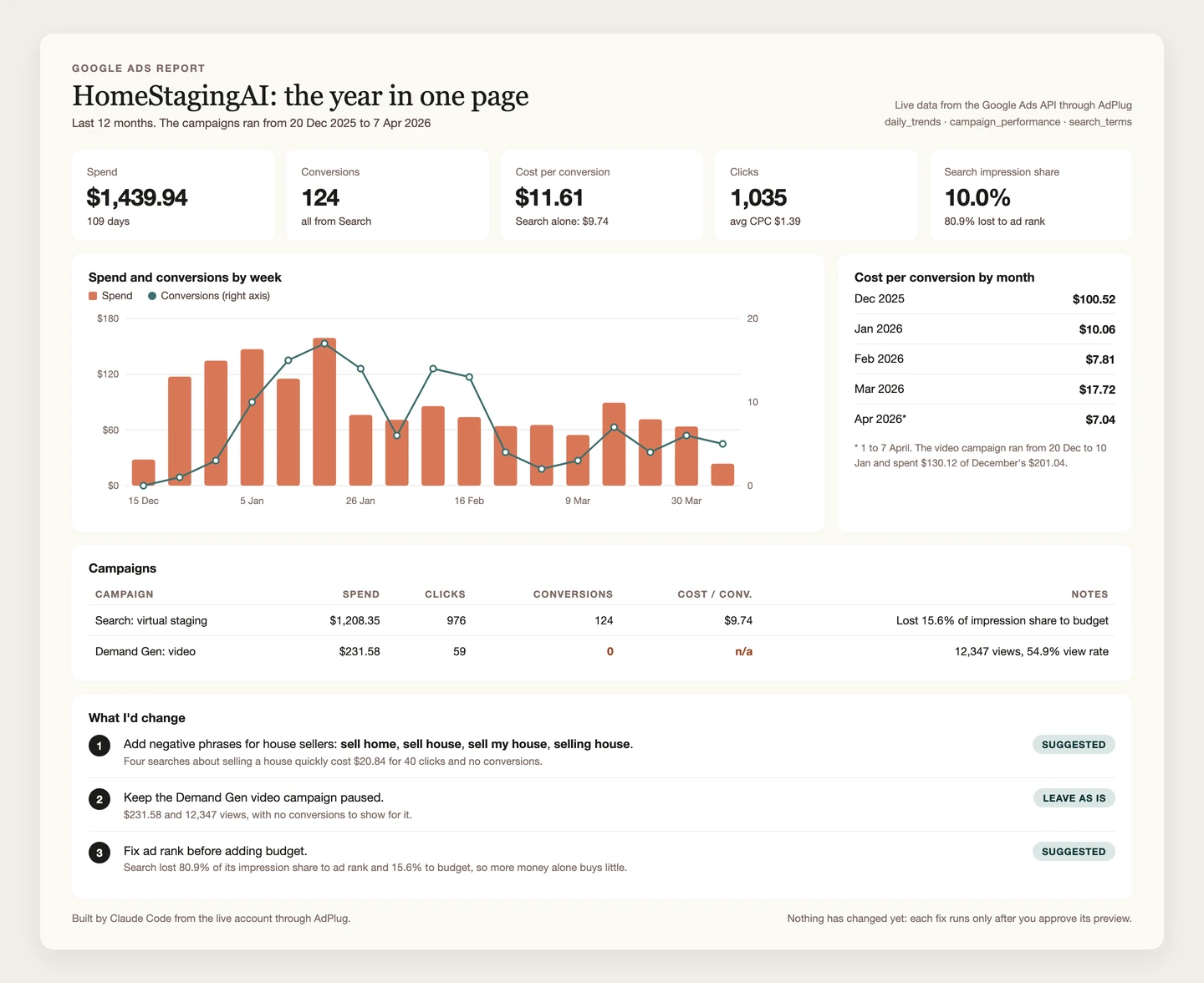
Because it's a remote MCP server rather than another dashboard, it works wherever your AI works: Claude and ChatGPT, Claude Code and OpenAI's Codex in a terminal, Cursor, VS Code, Grok Bot, and the agents your team builds itself. That's also where the jobs other tools sell as separate features get done.
- Scheduled checks. Claude's scheduled tasks and Claude Code's run in Anthropic's cloud with your laptop asleep, a ChatGPT dot or a Grok Bot routine runs on its own cloud computer, and Hermes Agent has a scheduler built in. Point one at AdPlug and the Monday check runs itself, with everything your AI already knows about the business, which no rules engine ever will. Keep scheduled runs to reading, and let the changes wait for you.
- Ad testing. The AI reads every ad's results, works out whether the difference is real, tells you which ad to pause and what to write instead, and can set up a Google Ads experiment to settle the argument.
- Creative. Your AI writes the responsive search ads, sitelinks and callouts and creates them after a preview, and AdPlug uploads image assets from a link, for the images you make in ChatGPT or any image tool.
- What happened after the click. From Pro, HubSpot connects on its own connector, so the same conversation can line up ad spend with the deals it turned into.
Every plan has unlimited ad accounts, the free one included, which is rare in this category: most of the tools below charge by ad spend or by account. From Pro you can connect three Google logins (five on Max and Agency) for clients who sit under different manager accounts, and every other ad platform AdPlug covers comes in the same plan, so "which channel brought in last month's best leads?" is one question, not four exports.
There's a library of ready-made playbooks, prompts for everything from a search terms audit to an RSA rewrite, and skills you install in Claude, ChatGPT or Claude Code. The Ads Generator skill reads your live ad groups and landing pages, writes two responsive search ads per ad group plus sitelinks, callouts and snippets, and drafts them into a Google Sheet for you to check before anything touches the account.
The free plan is view only on one platform, with 500 requests in the first 10 days and 50 a month after that. Pro is $29 a month with 5,000 requests and 200 edits, and Max is $89 with no caps and room for three people. Agencies pay per seat, with view-only or edit access per teammate and platform. Every report it pulls and every change it makes lands in a log you can read. The rest is on the pricing page.
Read the search terms on my main Search campaigns. Group the ones that spent money without converting by theme, and suggest negative keywords for each group. Show me the preview, and don't add anything until I say so.
Google Ads' built-in AI
Best for: Bidding, matching and creative inside the account
8.5/10
Editorial score
- Can it change your Google Ads account?
- Yes: it runs bidding, matching and creative inside your campaigns
- Price from (22 Oct 2026)
- Free; you pay for the media
- Watch out for
- It optimises towards whatever you count as a conversion, junk included, and shows you little of how.
- Skip it if
- You can't, really. Just don't leave it unsupervised.
Everything Google builds into the account is free, and more of it is switched on than you might think. It's the only AI on this list that sees the auction itself, which is why I'd never fight it on bids. What it won't do is explain itself to your boss, or notice that the conversion it's chasing so enthusiastically is a newsletter sign-up.
Smart Bidding. Google's auction-time bidding: Maximize conversions, Target CPA, Maximize conversion value and Target ROAS. It sets a different bid for every auction from signals no outside tool can see. Count a newsletter sign-up the same as a demo request, though, and it'll find you a lot of very affordable newsletter sign-ups.
Performance Max. One campaign across YouTube, Display, Search, Discover, Gmail and Maps. It's good at finding volume, and just as good at spending money in places you didn't pick. You can now see its search terms and add negative keywords at campaign level, which in my book is the biggest improvement Google has made to it.
AI Max for Search. Google's AI on a Search campaign: it matches queries beyond your keywords, customises your headlines and descriptions, and can pick a different landing page. It's on by default in new Search campaigns, campaigns using automatically created assets or campaign-level broad match have been upgraded since September, and Dynamic Search Ads campaigns follow from February 2027. In 2021 I'd have called that a broad match horror story. In 2026 it's a feature with its own name, and the clearest reason to read your search terms every week.
Asset Studio. Under Tools in Google Ads, it generates headlines, descriptions, images and now videos, free. It's the quickest way to get a passable asset in front of the algorithm, so look at everything before it runs, above all anything showing a real product or a real person.
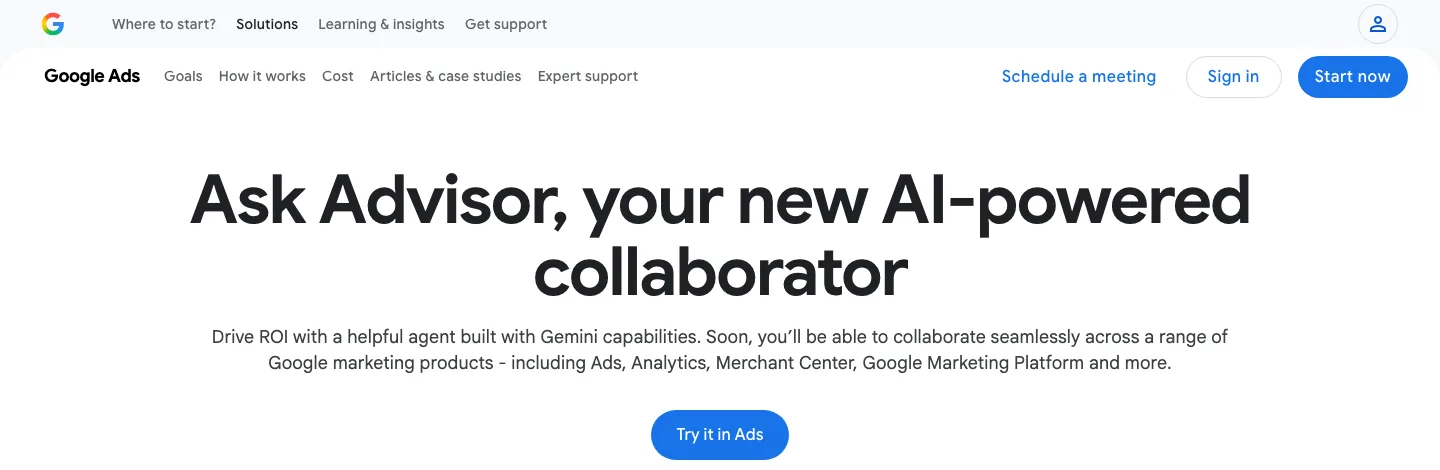
Ask Advisor. Google's agent, built with Gemini and in beta since May 2026. It started life as Ads Advisor, because Google can't leave a product name alone for more than a year. Its help article says it applies changes once you approve them, while its product page manages to say both that it "will seek your approval before completing actions or making changes to your account" and that it "cannot execute account changes on your behalf". One of those is out of date. It works in English-language accounts only and isn't available in manager (MCC) accounts, which rules it out for most agencies.
Ad variations and Ad Strength. Ad variations test ad changes across campaigns or the whole account, with a blue asterisk when a result is statistically significant, and Ad Strength grades each responsive search ad before it runs.
Recommendations and auto-apply. The Recommendations page scores you with an optimisation score from 0 to 100%, and you can opt in to let Google apply some types automatically (it promises it won't raise your budget, which is something). The score measures how much of Google's advice you've taken, which isn't quite the same thing as how well the account is doing.
After switching on any of it, this is what I'd check. The last one sounds dull until search partners is on and nobody noticed (it has been me).
- Which conversion actions count as primary, because that's what every bid chases.
- Location options: people in your locations, or people merely interested in them.
- Auto-applied recommendations, and which types are switched on.
- Final URL expansion on Performance Max and AI Max, and what you've excluded.
- Search partners and Display expansion on every Search campaign.

Optmyzr
Best for: Rules, audits and scheduled checks across many accounts
8.2/10
Editorial score
- Can it change your Google Ads account?
- Yes. AI changes wait for a person to apply them
- Price from (22 Oct 2026)
- $209/mo billed annually, up to $25K spend
- Watch out for
- Priced by ad spend, so the bill grows with your budgets.
- Skip it if
- You run one or two small accounts. The price is built for a book of them.
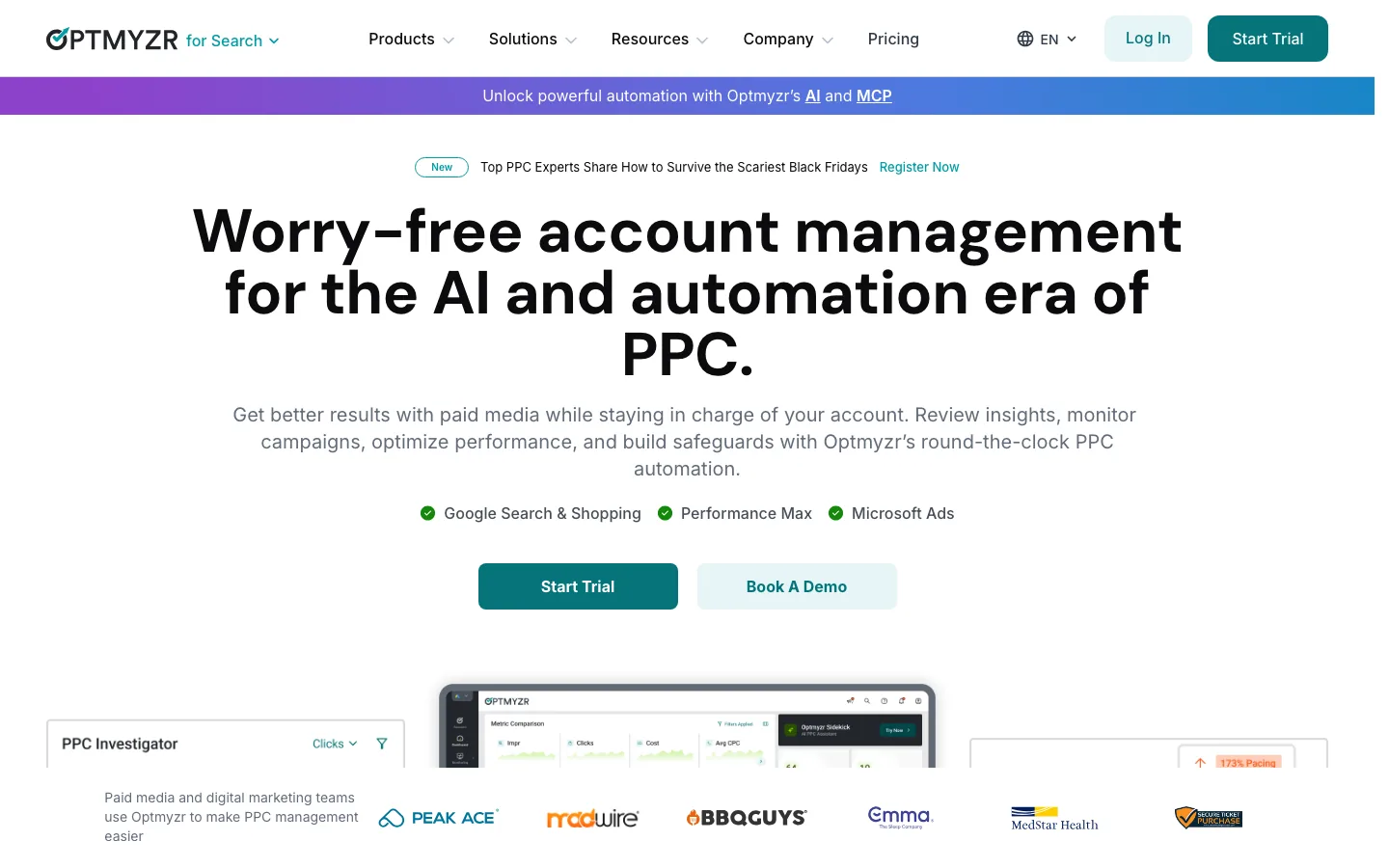
Asked which AI tool is best for Google Ads, ChatGPT, Claude, Gemini and Perplexity all named Optmyzr, and the reason is breadth: one-click optimisations, audits, a Rule Engine for scheduled automation, PPC Investigator for working out why a number moved, and Sidekick, its AI assistant. It covers Google, Microsoft, Amazon, Meta, LinkedIn and Yahoo! Japan.
The safety model is the part I'd point out. When Sidekick or its MCP connector suggests a change, it becomes a change request that a person reviews and applies. It's priced by ad spend: from $209 a month billed annually ($299 month to month) for up to $25K of monthly spend, with a 14-day trial and no card. If I ran a dozen Google accounts and wanted checks while I slept, it's the first trial I'd start.
Opteo
Best for: One-click improvements you confirm
8.2/10
Editorial score
- Can it change your Google Ads account?
- Yes, after you confirm each one
- Price from (22 Oct 2026)
- $129/mo for 10 accounts
- Watch out for
- Google only on today's pricing page. Other platforms are in early access.
- Skip it if
- You need Microsoft, Meta or LinkedIn today. They're still in early access.
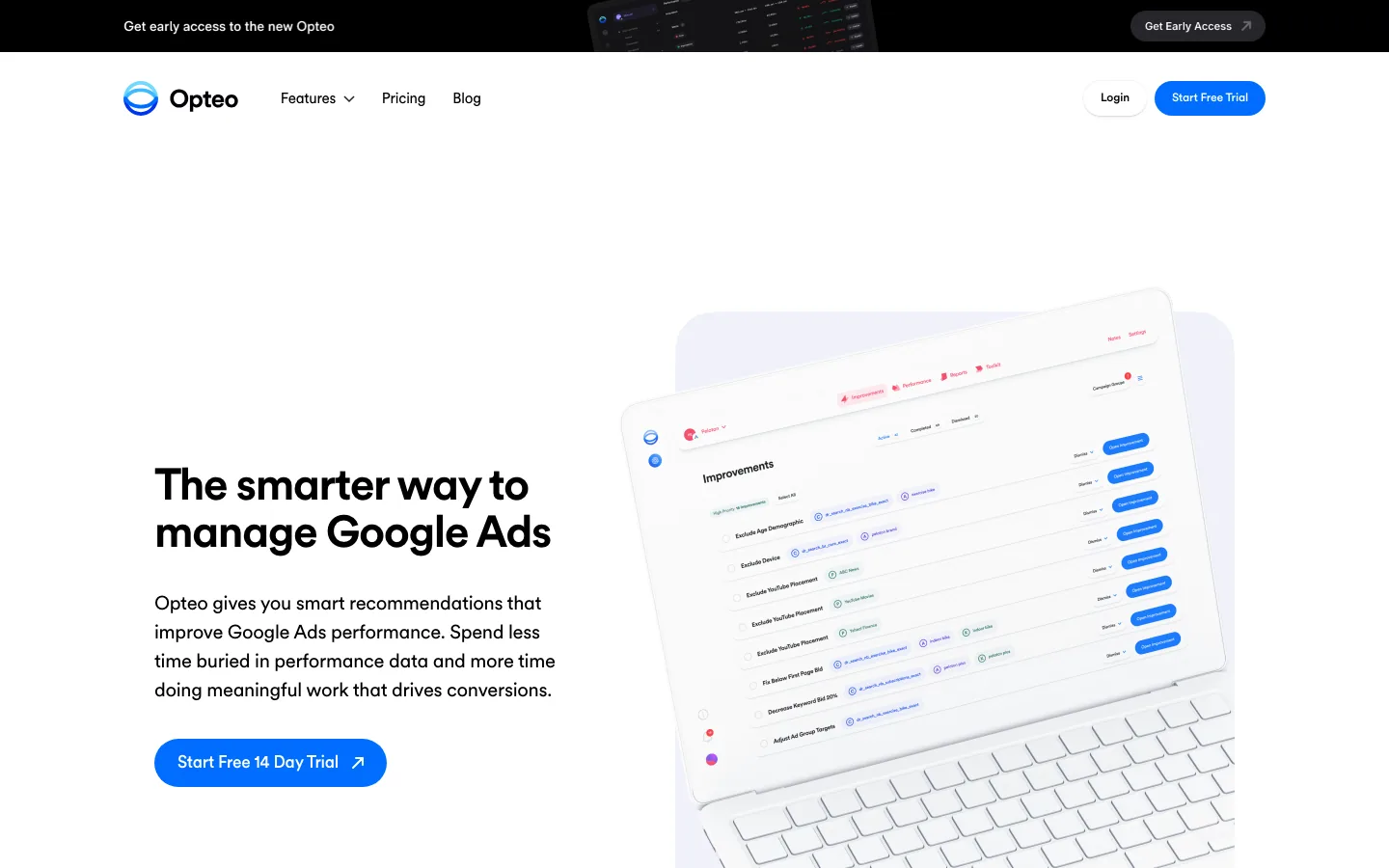
Opteo watches each account and suggests improvements you push live in one click, with the reasoning and the statistics shown first, which is how it should be. It tests your ads and asks you to replace the loser once there's enough data, and its RSA writer suggests new assets. Its AI Chat can build Search campaigns and make changes once you confirm, and its MCP connector asks before anything that changes the account. A version with Microsoft, Meta, TikTok and LinkedIn is in early access, but the pricing page still covers Google only: $129 a month for 10 accounts and $25K of spend, with unlimited users and a 14-day trial.
Adalysis
Best for: Ad testing, audits and budget pacing
8.0/10
Editorial score
- Can it change your Google Ads account?
- Yes, approved inside Adalysis
- Price from (22 Oct 2026)
- $149/mo up to $50K spend
- Watch out for
- Its connector can't touch budgets, bid strategies or negatives.
- Skip it if
- You want an AI connector that can change budgets, bids or negatives. Its connector can't.
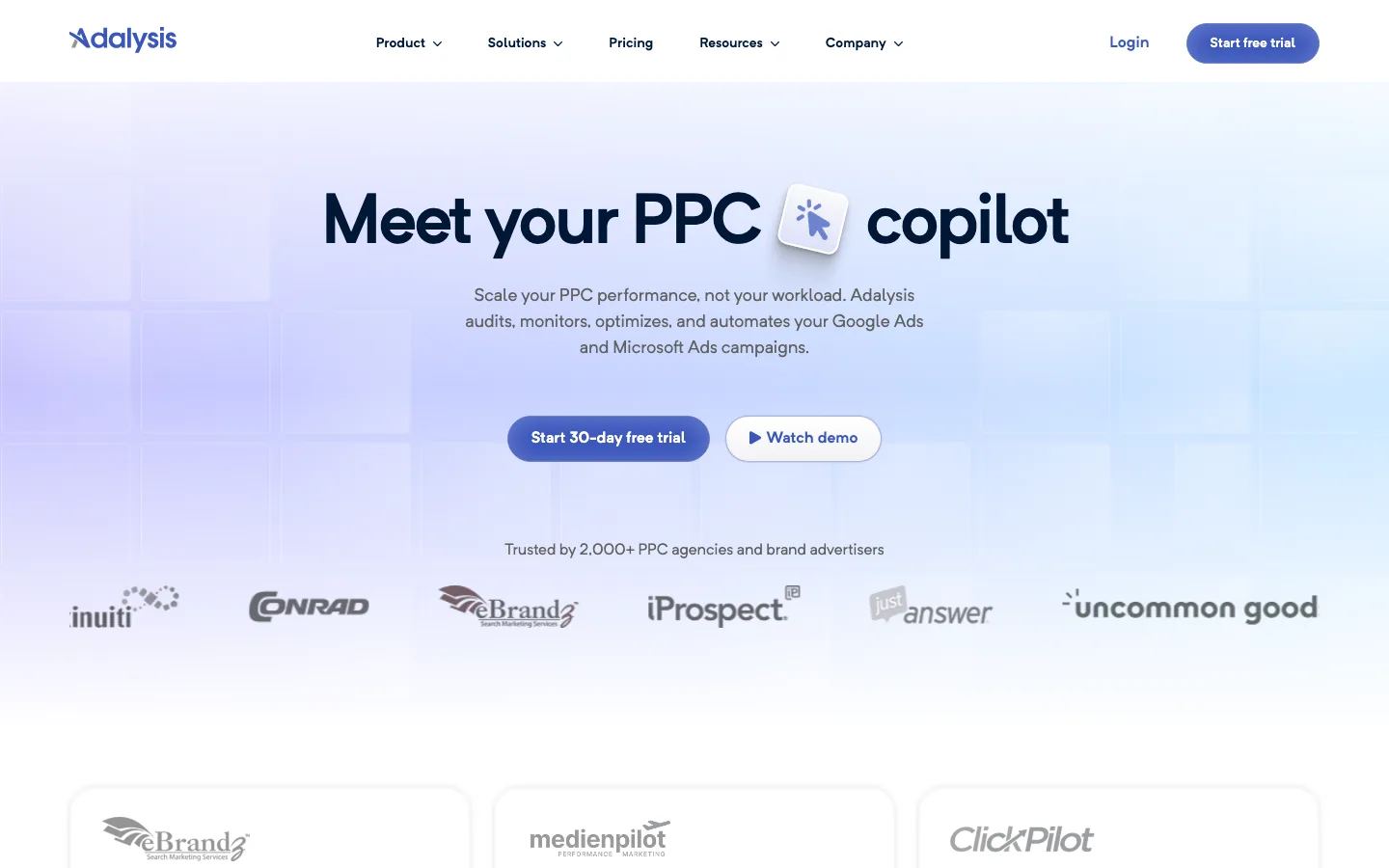
Adalysis is refreshingly plain about itself. Its own guidance for AI assistants says "Current AI functionality is limited compared with many AI-first PPC platforms", which isn't a sentence you'll find on many vendors' sites. Its strength is what sits underneath: ad testing with proper statistics, audits, budget pacing and alerts on Google Ads and Microsoft Ads.
Its MCP connector reads your Google Ads data and can also make seven kinds of change: keywords, responsive search ads, statuses and Performance Max text. You approve each one inside Adalysis, not in the chat, and a preview expires after ten minutes. It's $149 a month for up to $50K of monthly spend, with unlimited accounts and users and a 30-day free trial.
TrueClicks
Best for: Watching lots of accounts for problems
7.8/10
Editorial score
- Can it change your Google Ads account?
- Yes, in a couple of clicks
- Price from (22 Oct 2026)
- Free up to $50K spend a month
- Watch out for
- Its connector reads but can't change anything.
- Skip it if
- You want Claude or ChatGPT to make the changes. Its connector only reads.
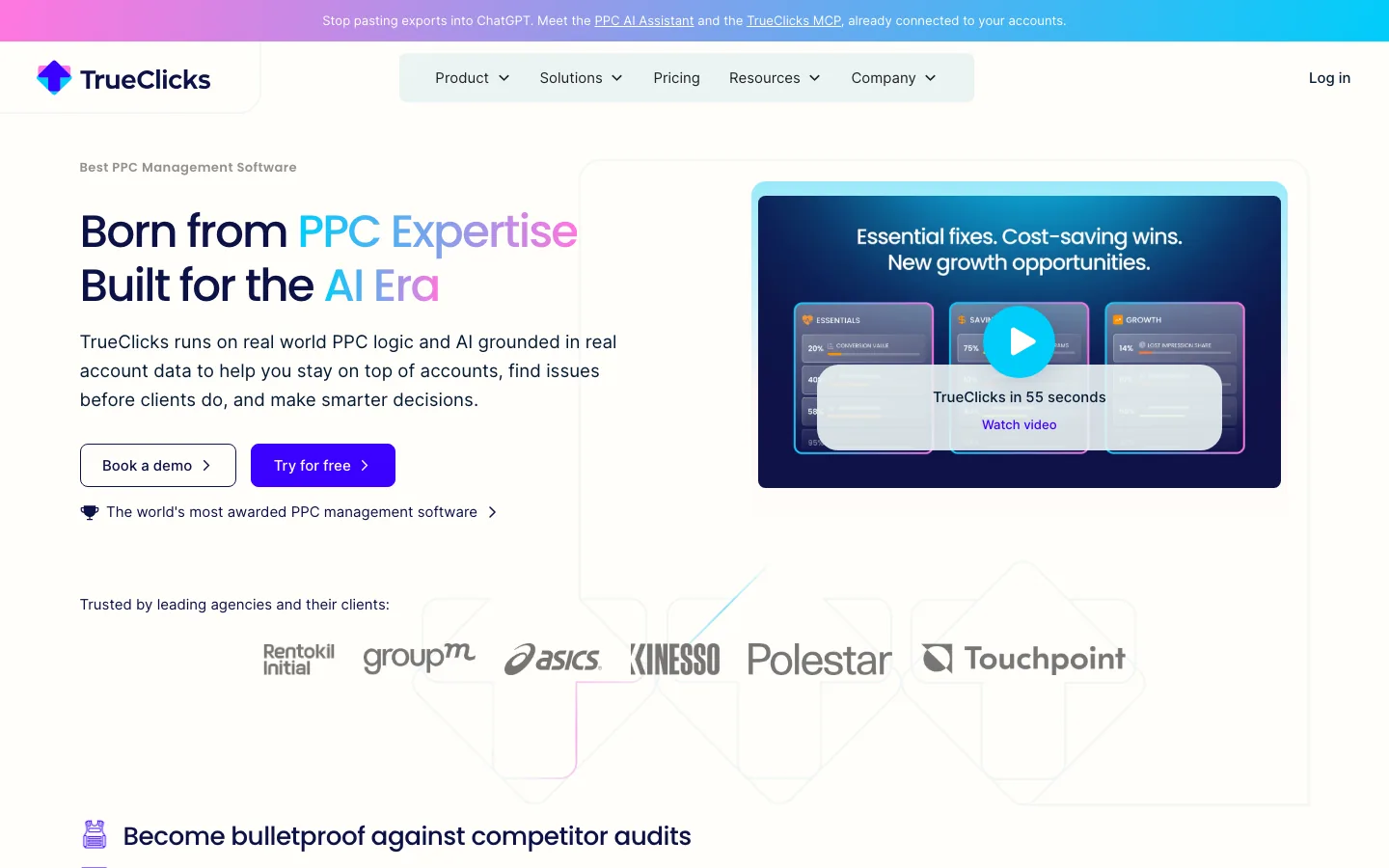
TrueClicks is built for watching a lot of accounts at once: audits, monitoring, budget pacing and KPI tracking, with fixes applied in a couple of clicks. It's free up to $50K of monthly ad spend if everyone on the team shares one email domain, then roughly 0.25% of spend. Its AI assistant can draft new campaigns and ad copy for you to paste into Google Ads Editor, and on every plan there's a read-only MCP connector that reads Google, Microsoft and Meta Ads data in Claude or ChatGPT.
Adzooma
Best for: A free first look at a small account
7.5/10
Editorial score
- Can it change your Google Ads account?
- Yes, one-click fixes
- Price from (22 Oct 2026)
- Free; Silver $69/mo
- Watch out for
- Built for small advertisers, so expect breadth rather than depth.
- Skip it if
- You run bigger accounts and need depth more than a quick health check.
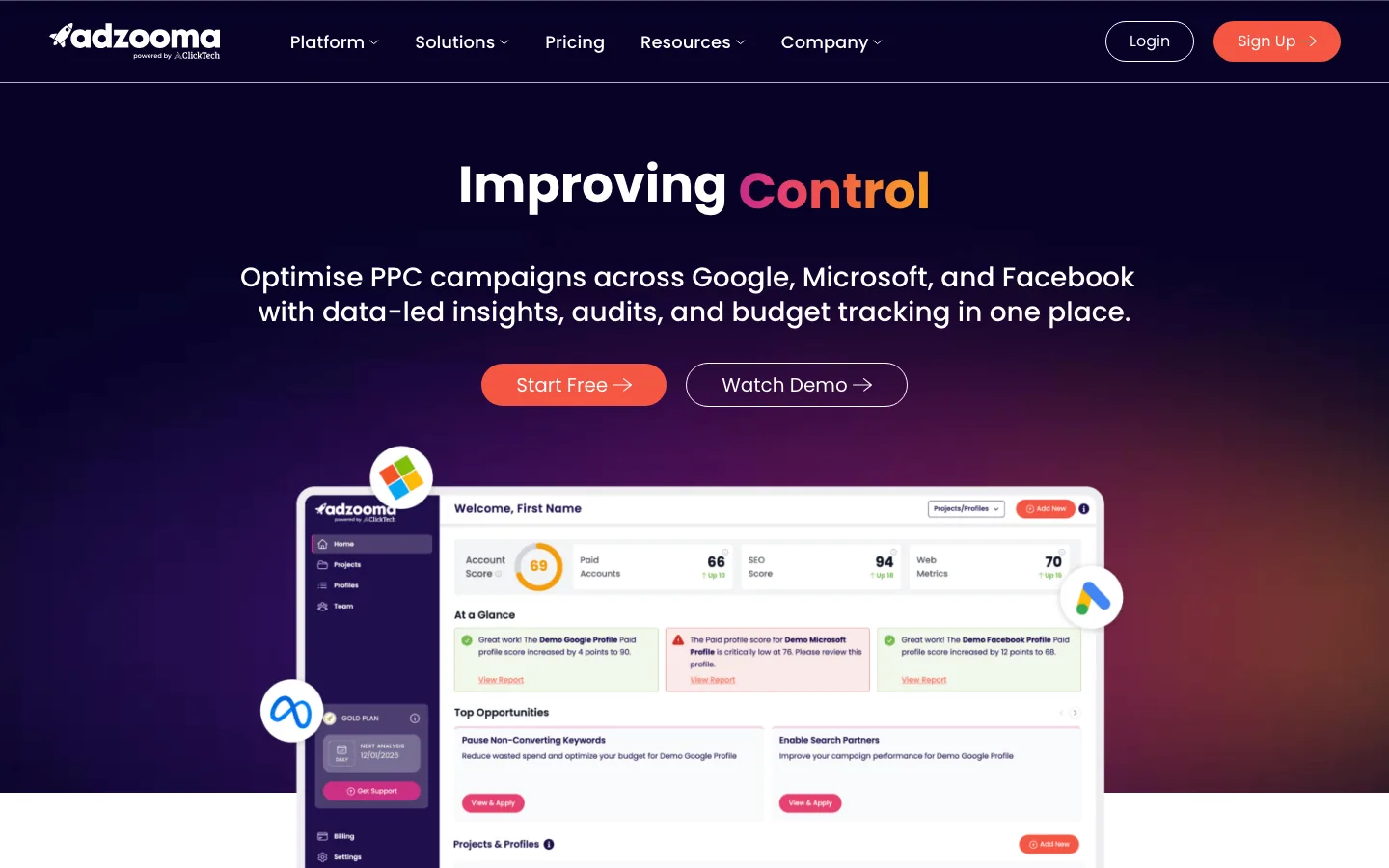
Adzooma connects Google, Microsoft and Facebook accounts and suggests fixes you apply in one click. Its alerts can check as often as every 15 minutes (they tell you, they don't change anything), and its ad copy optimiser suggests headlines and descriptions where you're short. The free plan is generous enough to be useful, and Silver is $69 a month. It's a sensible first stop for a small business that wants a second opinion without a sales call.
Claude + Google's MCP server
Best for: Reading the account in Claude, if someone can host it
6.9/10
Editorial score
- Can it change your Google Ads account?
- No: Google's server is read-only
- Price from (22 Oct 2026)
- Free; you host it, plus your Claude plan
- Watch out for
- You run it yourself, with a Google Cloud project that has Google Ads API access (Explorer allows 2,880 operations a day).
- Skip it if
- You need changes made, or nobody on the team can run a server.
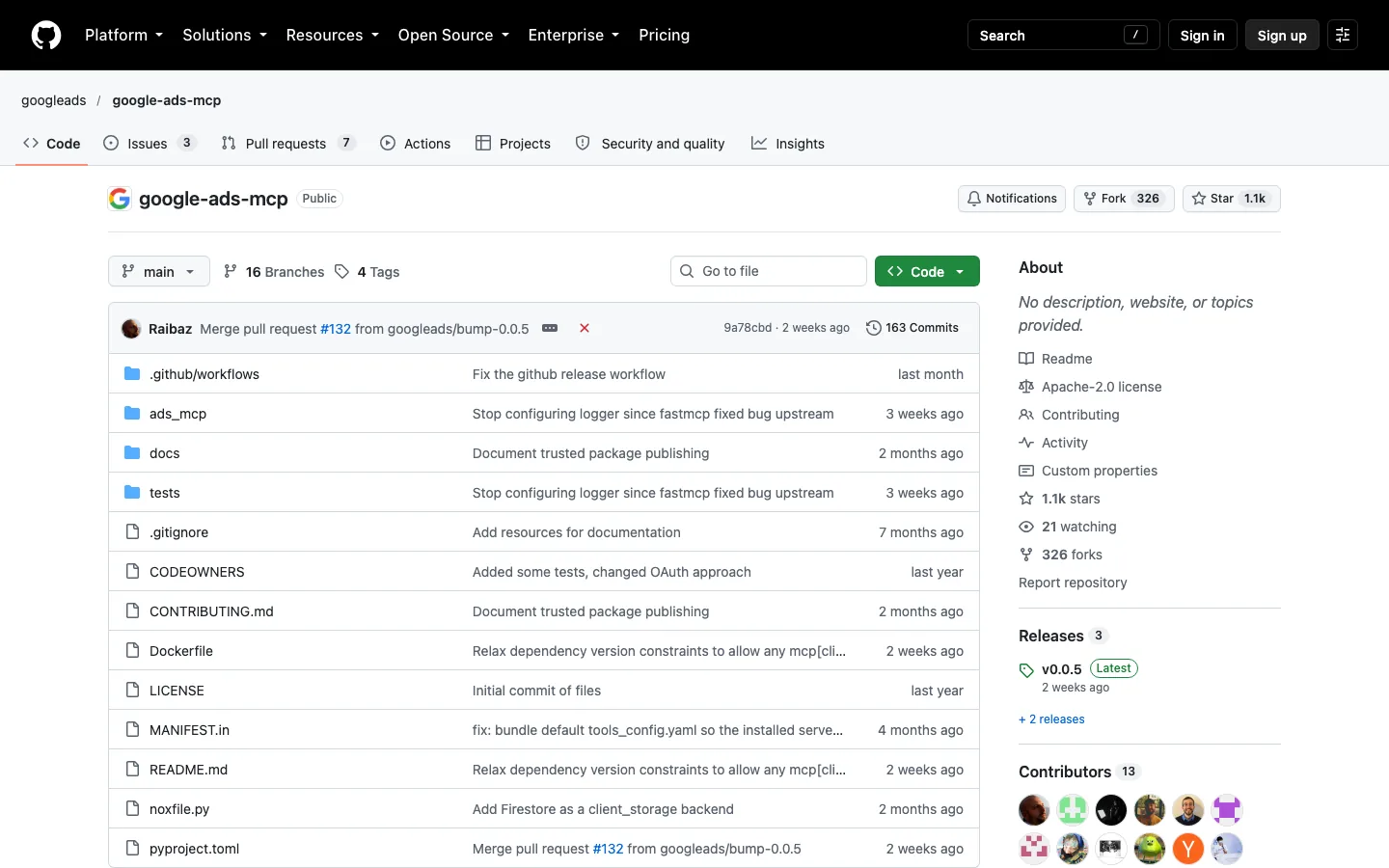
Google publishes its own MCP server for Google Ads, and Google's own AI Overview for this question suggests pairing it with Claude. It's free, first-party and read-only: three tools that search the account with GAQL, describe the fields, and list the accounts you can reach. You run it on your own machine or in your own Google Cloud project, and a Google-hosted version is in an invite-only pilot.
For reading it's a decent choice. It won't add a negative or pause an ad, which is most of what I'd want it for, and if words like "pipx" and "Cloud Run" mean nothing to you, hand this paragraph to whoever does technical things at your company.
AdCreative.ai
Best for: Image and video creative at volume
6.9/10
Editorial score
- Can it change your Google Ads account?
- No: it uploads to the media library
- Price from (22 Oct 2026)
- $39/mo
- Watch out for
- It doesn't publish, and a credit goes every time you download a creative.
- Skip it if
- Your ads are mostly text. It's built for image and video assets.
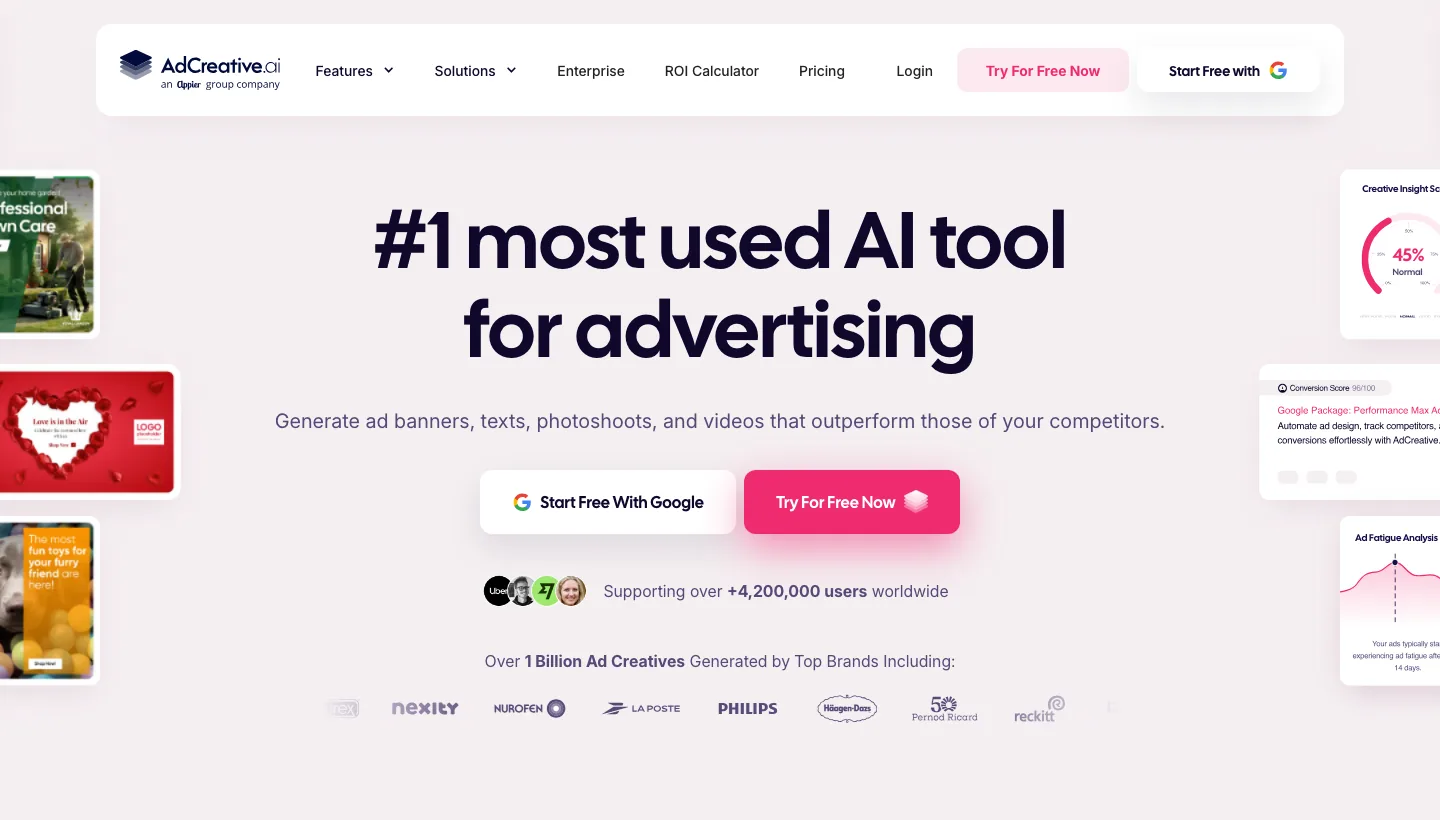
AdCreative.ai generates banners, copy, product shots and video, and scores creatives with a model it says predicts which will perform. It connects to Google Ads, but it doesn't publish: pushed creatives land in the account's media library for you to use. Starter is $39 a month for one brand and 20 credits, with a seven-day free trial. For Performance Max and Demand Gen, where you're always short of images, it earns its place.
Google Ads scripts
Best for: Free automation, now that AI writes the code
6.2/10
Editorial score
- Can it change your Google Ads account?
- Yes: whatever the script is written to do
- Price from (22 Oct 2026)
- Free
- Watch out for
- A script does exactly what it says, including the bug.
- Skip it if
- Nobody on the team can read the code the AI writes for you.
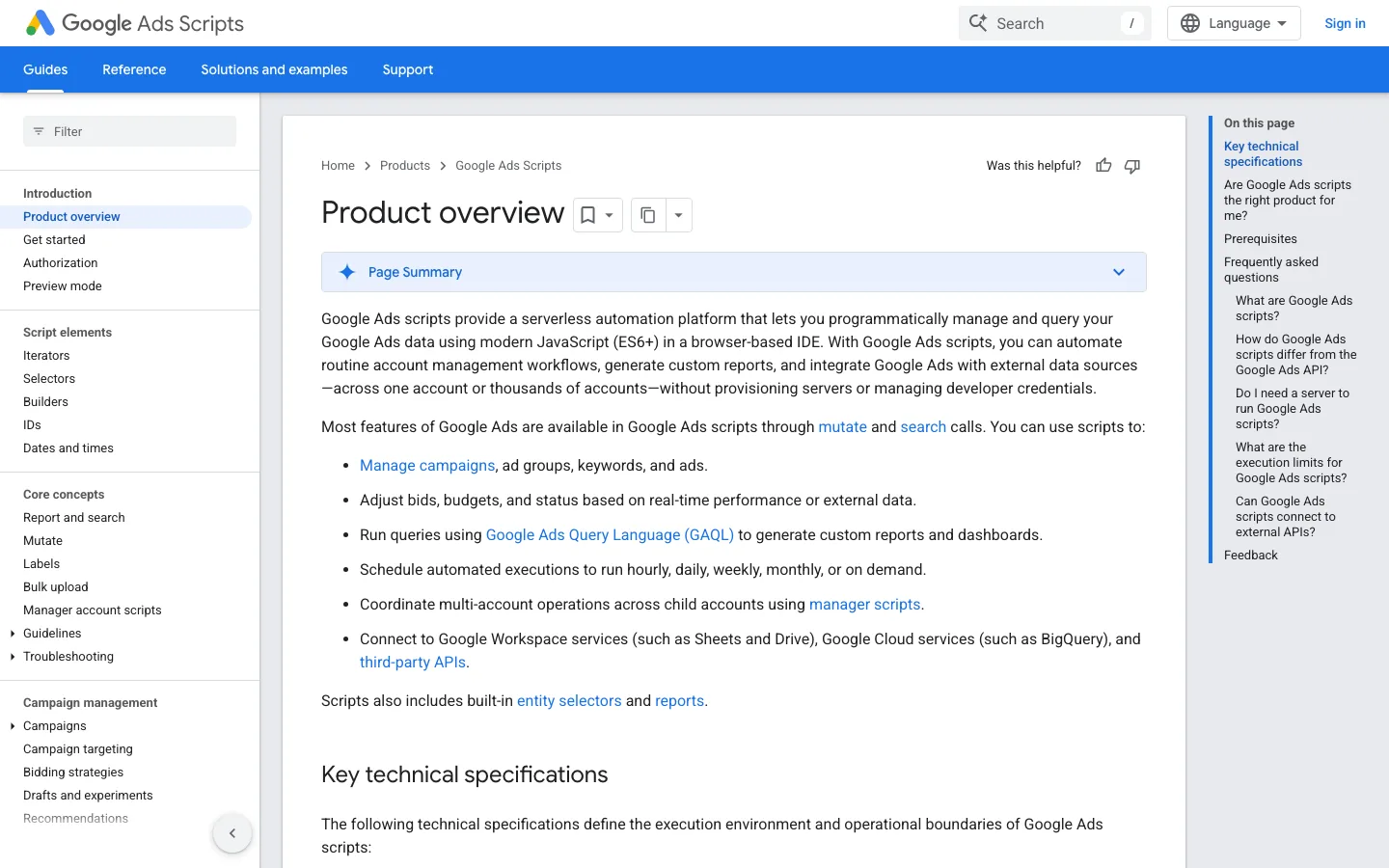
Google Ads scripts are JavaScript that runs inside the account on a schedule, as often as hourly, at no extra cost. They've been around for years, and the reason they're on an AI list is that Claude and ChatGPT will now write one for you from a plain description. Budget alerts, broken-link checks, n-gram reports on search terms: ask, paste, and run it in preview mode first, which shows the results without changing anything.
7 more AI tools for Google Ads worth knowing
Good tools that didn't make the ten, either because they do one narrow job or because they're built for a different kind of advertiser.
WordStream
The free Google Ads Grader takes one-time read-only access and grades the account, a decent ten-minute health check on an account you've just inherited. Its paid tool, WordStream Advisor, still has a page listing it at $49 a month, but the Buy Now buttons point to example.com, which I'd take as a hint.
Semrush
Now owned by Adobe, Semrush sells an advertising toolkit for Google and Meta from $99 a month with a seven-day trial: competitors' keywords and ads, and keyword research. Useful before a launch or a pitch.
SpyFu
SpyFu shows which keywords a competitor has bid on over the years and how their ads changed, from $39 a month with a 30-day money-back guarantee. Treat its spend figures as estimates, which they are.
Anyword
30characters
30characters, which Google's AI Overview names for this question, writes Google Ads headlines and descriptions to the character limits and only writes to your account when you confirm, from $29 a month billed yearly.
ClickCease
ClickCease, now part of CHEQ, spots suspicious clicks and adds the IP addresses to your exclusions automatically, from $99 a month. Worth a look if you suspect a competitor has a lot of free time.
Search Ads 360
Search Ads 360 is Google's enterprise platform for Google Ads, Microsoft Advertising, Yahoo! JAPAN and Baidu, priced by contract as a percentage of ad spend. If you need it, you already know.
Google Ads automation vs optimisation tools: which do you need?
My own daily checks look like this. Read the search terms. Add the negatives. Find the keyword I've been missing for months. Kill the Demand Gen placements eating budget. Flag who's underspending by Friday. Check every setting after a launch. It isn't the robot overlord version of AI, and all of it is admin.
Automation tools run that kind of check on a schedule. Optimisation tools tell you what to change, or change it with your say-so. Google's own AI does a third thing: it optimises inside the campaign, towards whatever you've told it a conversion is. Here's which kind is best at which job.
| Job | Google's own AI | Your AI with a connector | A PPC platform |
|---|---|---|---|
| Search terms and negatives | AI Max and Performance Max decide what you match | Reads every search term, suggests negatives, adds them after a preview | Flags wasteful terms on a schedule |
| Bids and budgets | Smart Bidding sets a bid in every auction | Pacing checks on a schedule, and budget changes when you ask | Rules and budget alerts |
| Ad copy and testing | Writes headlines and descriptions for you | Tests ads on their results, writes new ones from your landing page | Ad testing with proper statistics |
| Audits and settings | Recommendations and the optimisation score | Any check you can describe, on whatever schedule you set | The same audit on every account, every day |
| Reporting | The standard reports | Plain-English answers and dashboards, across every account and channel | Templates and scheduled reports |
| Keyword and competitor research | Keyword Planner and the Ads Transparency Center | Keyword ideas with search volumes, in the chat | Semrush and SpyFu, as separate tools |

Two free tools from Google sit underneath all of this. Keyword Planner gives you search volumes and keyword ideas once your account has billing details, and the Ads Transparency Center shows the ads an advertiser has been running, which is the closest thing PPC has to reading your competitor's post.
How changes reach your account, step by step
None of the ranking pages I read walk through this part, and it's the part that decides whether you'll ever trust one of these tools with a budget. Here's how a change goes through AdPlug on Google Ads.
- You ask: "Pause the keywords that are spending without converting."
- The AI reads the account and works out which keywords that means.
- It calls the preview tool, which checks the change against the live account and returns exactly what will happen: these keywords, in these ad groups, from enabled to paused.
- You read it. If it's wrong, you say so, and nothing happens.
- You approve, and the AI runs the execute tool on that preview. A preview runs once, and it expires after 15 minutes, so yesterday's approval can't sneak through today.
- You ask it to read the account back and confirm the keywords are paused.
In Claude you can also set a connector's write tools to ask for approval every time. Belt and braces.

Claude, ChatGPT or Gemini: which AI works best with Google Ads?
Less difference than you'd think. In September I ran the same Google Ads and LinkedIn Ads accounts, the same AdPlug connection and the same daily checks through GPT-6 Astra and Claude Fable 5 for a week. I couldn't tell them apart. The benchmarks do separate them, just nowhere near my job.
What matters more is the plumbing. Claude's free plan allows one custom connector, which is enough for AdPlug's Google Ads address. ChatGPT needs a paid plan to add a custom MCP server, which it now calls a plugin, and OpenAI's own pages don't agree on which plans can make changes through one. The Gemini app has just started taking custom MCP servers too, for now only on personal accounts in the US, and Gemini is already the AI inside Ask Advisor. I've put Claude and ChatGPT side by side in Claude vs ChatGPT for Google Ads.
AI agent compatibility: where each tool works
Most of the AI connectors on this list work in Claude and ChatGPT. The differences show up past the chat window: Claude Code and Codex for the analyst who'd rather script it, Grok Bot routines and ChatGPT dots for checks that run on their own cloud computer, and whatever agent an agency builds into its own stack.
| Tool | Claude | ChatGPT | Claude Code | Codex | Cursor | Grok Bot | ChatGPT dots |
|---|---|---|---|---|---|---|---|
| AdPlug | ✓ | ✓ | ✓ | ✓ | ✓ | ✓ | ✓ |
| Optmyzr | ✓ | ✓ | ✓ | ? | ✓ | ? | ? |
| Opteo | ✓ | ✓ | ✓ | ? | ✓ | ? | ? |
| Adalysis | ✓ | ✓ | ? | ? | ? | ? | ? |
| TrueClicks | ✓ | ✓ | ✓ | ? | ? | ? | ? |
| Google's MCP server | partial | partial | ✓ | ✓ | ✓ | ? | ? |
✓ means the vendor's own docs show how to set it up there, and partial means you host the server first. A question mark means the docs don't mention it, and a remote server with a standard sign-in often works in more places than its docs admit, so read it as a gap in the docs rather than a no. Google's built-in AI works inside Google Ads, and Adzooma, AdCreative.ai and Google Ads scripts have no AI connector on their own sites, so they're not in the table. AdPlug's step-by-step guides cover Claude, Grok Bot and ChatGPT dots.
How to choose the right AI tool for your Google Ads
Every demo looks brilliant on the vendor's own account. These are the questions I'd ask before any of them goes near yours.
- Does it read the live account, or a copy? A tool working from yesterday's export answers yesterday's question. Live access through Google's own sign-in screen is the bar.
- What can it change, and what stands in the way? A preview of the exact change, an approval queue, a confirm button, or nothing at all. For a report you need none of that. For a budget you need all of it.
- Does it cover your whole account? Performance Max, Demand Gen, Shopping and manager accounts are where tools tend to go quiet. Ask about the campaign types you actually run.
- Is it right about your account? Ask it three things you already know the answer to. If it gets one wrong, it'll get the ones you don't know wrong too, and you won't notice.
- Is there a record of what changed? When a number moves, you want who changed what, and when. Google's change history covers the account; check the tool keeps its own log too.
- Does it see what happened after the click? Clicks are cheap and deals aren't. A tool that reads your CRM next to the ad account can tell you which campaigns brought in revenue, not just which ones filled in a form.
- Does it work where you already work? If your team lives in Claude, ChatGPT or a terminal, a tool that works inside them gets used. Another dashboard to log in to gets forgotten by March.
- How does the price grow? By ad spend, by account, by seat or flat. Price it on next year's accounts, not this month's.
Which one for which account
- One account, and it's your business. Google's own AI with the settings checked, AdPlug's free plan to ask the account questions, and the WordStream Grader once for a second opinion.
- In-house, a handful of accounts. Google's AI plus AdPlug Pro for the questions, the changes and a weekly check your AI runs on a schedule. Add Opteo if you'd rather have one-click fixes in a dashboard of their own.
- Freelancer or consultant. AdPlug Pro or Max across every client. If your clients sit under different manager accounts or Google logins, Pro connects three Google logins and Max five. Add Adalysis if ad testing is most of your week.
- Agency. AdPlug Agency, with a seat for each person and view-only or edit access per teammate and platform, inside the tools the team already uses. Optmyzr if you want a rules engine on top. I've written that one up in the best AI tools for PPC agencies.
- Enterprise. You probably run Search Ads 360 or Skai already. A connector on top answers the questions those platforms make you dig for.
What the tools cost
I'd look at how a price grows before where it starts. Priced by ad spend means it grows with your budgets, which is lovely right up until a client triples theirs on a flat fee.
| Tool | Charges by | From | Free trial or plan |
|---|---|---|---|
| AdPlug | Plan | Free; Pro $29/mo | Free plan; 7-day trial on Pro and Max |
| Google Ads' built-in AI | Nothing; you pay for the media | Free | Free |
| Optmyzr | Ad spend band | $209/mo billed annually | 14 days, no card |
| Opteo | Accounts and a spend cap | $129/mo | 14 days |
| Adalysis | Ad spend band | $149/mo | 30 days |
| TrueClicks | Ad spend, about 0.25% | Free up to $50K spend | Free plan |
| Adzooma | Plan | Free; Silver $69/mo | Free plan |
| Google's MCP server | Nothing; you host it | Free | Free |
| AdCreative.ai | Credits and brands | $39/mo | 7 days |
| Google Ads scripts | Nothing | Free | Free |
How I scored these tools
Each tool gets four marks out of 10. Work done and control count three times, value and ease twice, and the editorial score is the weighted average. A tool that can't change anything scores high on control and pays for it under work done, which is fair.
- Work done (×3): how much of the Google Ads job it takes off your plate: reports, changes, scheduled checks, ad testing, creative, and the other channels and CRM data that decide whether the job was done well.
- Control (×3): how much say you keep. Previews, approvals, undo and a log score high; changes you can't see score low.
- Value (×2): what you get for the price: the free plan, how many ad accounts it covers, and how the bill grows.
- Ease (×2): how long from sign-up to something useful, and the effort after that.
| Tool | Work done ×3 | Control ×3 | Value ×2 | Ease ×2 | Score |
|---|---|---|---|---|---|
| AdPlug | 10 | 10 | 10 | 9 | 9.8/10 |
| Google Ads' built-in AI | 9 | 6 | 10 | 10 | 8.5/10 |
| Optmyzr | 9 | 9 | 7 | 7 | 8.2/10 |
| Opteo | 7 | 9 | 8 | 9 | 8.2/10 |
| Adalysis | 7 | 9 | 8 | 8 | 8.0/10 |
| TrueClicks | 6 | 8 | 10 | 8 | 7.8/10 |
| Adzooma | 5 | 8 | 9 | 9 | 7.5/10 |
| Claude + Google's MCP server | 5 | 10 | 9 | 3 | 6.9/10 |
| AdCreative.ai | 4 | 9 | 7 | 8 | 6.9/10 |
| Google Ads scripts | 7 | 5 | 10 | 3 | 6.2/10 |
Prompts worth stealing
These work in Claude or ChatGPT with AdPlug connected. None of them changes anything without asking first, and the last one is meant for a scheduled task or routine.
Check every setting on the campaigns I launched recently: search partners, Display expansion, location options, auto-applied recommendations and which conversions count. List anything that looks unintended, and don't change anything.
Which campaigns are pacing to underspend or overspend their budgets? Suggest budget changes as a preview only.
Look at the responsive search ads in my main campaigns. Which headlines and descriptions have the weakest results in their asset statistics, and what would you write instead? Keep to the character limits, and show me before changing anything.
What changed in this account recently, who changed it, and did performance move afterwards?
Every Monday morning, check each campaign's spend against its budget since the last run, and list the search terms that spent money without converting. Send me the summary, and don't change anything.
Can AI run Google Ads on its own?
Partly, and Google is the one doing most of it. Smart Bidding sets every bid, Performance Max picks the placements, and AI Max picks the queries and some of the copy. What none of them does is decide what the account is for, notice when the conversions are wrong, or explain a bad month to the person paying for it.
There's also a newer group of tools that promise to run the whole account for you, change after change, with a person approving the big ones or none at all. Some of them are probably good. I'm wary of anything that changes a live budget without showing me first, because the person who answers for that budget is me. My own setup works the other way round: it hands me the list, and I decide what to do.
Before you let any AI change your account
If you manage other people's money, read this bit.
- Start on read. Give any new tool a week of answers you've checked against the platform before it changes anything. AdPlug's free plan is view only for exactly this reason.
- Know whose permissions it borrows. A connected tool acts as the Google login you gave it. If that login can edit twelve accounts, so can the tool.
- Keep write tools on ask-every-time. Especially for anything that spends money.
- Test on something you own. When I try a new write operation, it's on my own account, on a draft campaign named DELETE-ME. Never on a client's.
- Sign in through Google's own screen. You see what you're granting, and you can revoke it from your Google account whenever you like. AdPlug encrypts the tokens at rest, and its data processing agreement is on the site.
- Remember the AI sees what it reads. Check your Claude or ChatGPT plan's data settings, above all for client accounts.
A two-week test before you pay
Nearly everything on this list has a free plan or a free trial, so test it on your own account rather than taking my word (or theirs) for it.
- Pick one account you know inside out, so you can tell a wrong answer from a right one.
- In week one, read only. Ask the questions you answer every week: spend against target, search terms wasting money, what changed and why. Check every answer against Google Ads.
- Note what it got wrong, and whether it told you when it wasn't sure.
- In week two, make one small change through it on an account you own: a negative keyword, a paused ad.
- Look at what you saw before the change ran, and whether the log shows it afterwards.
- Price it on next year's accounts, not this month's, then decide.
Final verdict: which AI tool should you pick?
- You want Claude, ChatGPT or your own agent to do the work, on demand or on a schedule, with a preview before every change: AdPlug.
- You want a dedicated rules engine and audits across many accounts: Optmyzr.
- You run a smaller book and want one-click fixes: Opteo.
- Ad testing is where your time goes: Adalysis.
- You're on a tight budget: TrueClicks or Adzooma, both free to start.
- Whatever else you pick: let Google's own AI do the bidding, and keep your conversions clean.
P.S. I get bored of everything I get good at, which probably explains why I'm still in PPC after 12 years (it keeps changing) and still working on my backhand (it doesn't improve).